





On this page
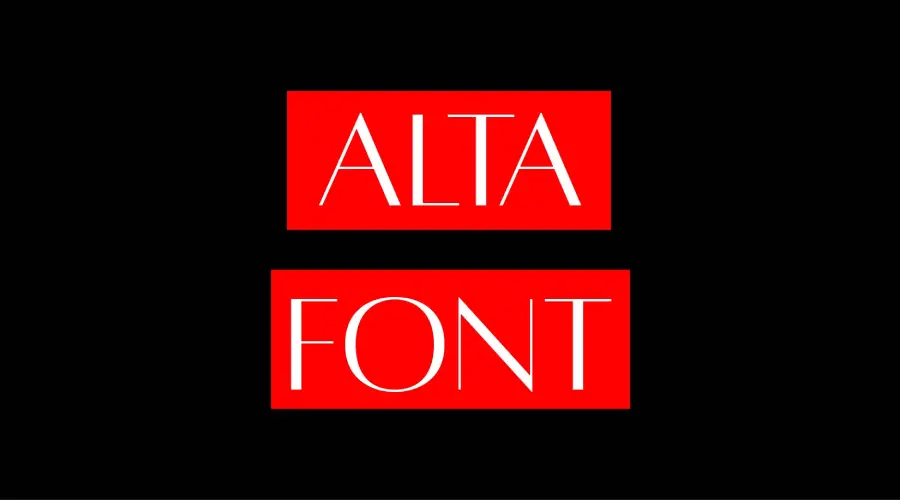
Alta is a sans-serif typeface based on Hermann Zapf’s Optima. Aaron Amar, a graphic designer and typographer from Indonesia, made Alta as a tribute to Zapf. It comes in three weights: Regular, Light and Caption.
About the Alta font
Aaron Amar designed and published Alta. He chose Hermann Zapf as his model because Zapf was one of his favorite type designers. Zapf was a German type designer known for humanist sans-serif faces such as Optima, Palatino and Zapfino.
The Alta family has three weights, and each one suits a different job.
Alta Regular is the standard weight. It has balanced contrast and a medium stroke, so it works for body text and headlines alike.
Alta Light is a thinner version of Regular. It has low contrast and thin strokes, which suits large headlines and titles.
Alta Caption is built for small sizes. It has a larger x-height, more open counters, high contrast and thick strokes, so small text stays easy to read.
Use Alta font effectively
Alta covers many scripts, including Latin, Greek, Cyrillic, Arabic, Hebrew, Thai and Vietnamese. The weights also include stylistic alternates and ligatures. You can reach these through OpenType features in design software that shows them.
Alta is flexible. It fits logos, headlines, posters, magazine layouts, book covers and websites. When you test a layout, check the Caption weight at the smallest size you plan to use, since small text is where readability problems usually show up first.
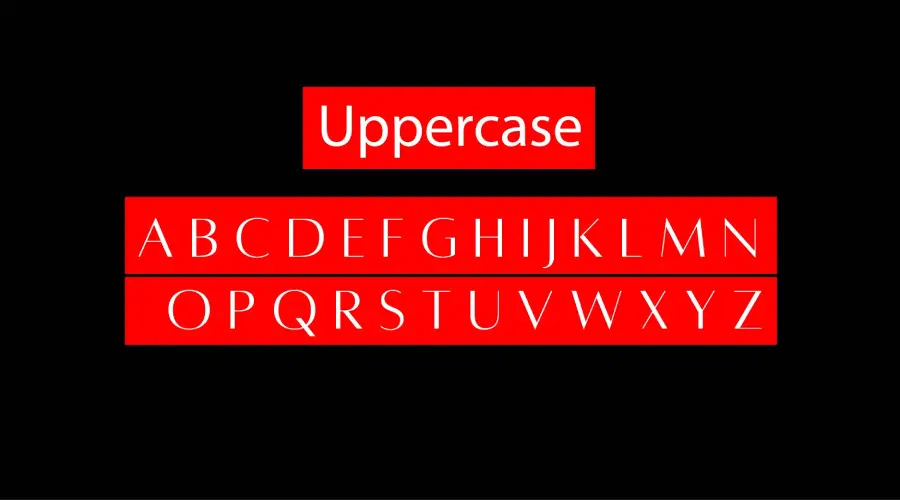
Font View
The images below show the all-capital letters and the symbols included in the font.


Try our Alta font generator
Type your text into the generator to see a live preview in each Alta weight. Pick the weight from the menu, then change the size, color and background with the color pickers.
This is a quick way to test a poster title or a caption block before you install anything on your device.
-
Alta regular Download font Open in Studio
- Format
- OTF
- Licence
- See the font page for the licence terms
Alta Font -
Alta caption Download font Open in Studio
- Format
- OTF
- Licence
- See the font page for the licence terms
Alta Font -
Alta light Download font Open in Studio
- Format
- OTF
- Licence
- See the font page for the licence terms
Alta Font
How to use the Alta font
On Windows, download the font file, right-click it and choose Install. On a Mac, double-click the file and select Install Font in Font Book. Restart your design app if the font does not appear in its menu.
In Canva, open the font list and search for Alta. If it is missing and your plan allows uploads, upload the file. If not, test your text in the generator above, save it as a PNG and place that image in your design.
Fonts similar to Alta
If you want to compare more styles, these font pages on our site are worth a look:
FAQ
What is Alta Caption font for?
Alta Caption is made for small print sizes. Its larger x-height and open counters help small text stay clear. Use it for captions, labels and fine print.
What font is Alta based on?
Alta is based on Optima, the typeface by Hermann Zapf. Aaron Amar made Alta as a tribute to Zapf.
Which Alta weight should I choose?
Pick Regular for body text and headlines, Light for large titles, and Caption for small text. Test each one in the generator before you decide.
How do I install Alta font?
Download the font file, then use the install steps for your system. On Windows, right-click the file and choose Install. On a Mac, double-click the file and select Install Font.