






On this page
Little Miss memes work best with a clean, geometric look that feels close to the books. The Little Miss font on this page is a close match, and it comes in a regular and a cursive version. Test your caption in the generator, then check the license before you use it in paid work.
About the Little Miss font
Little Miss and Mr. Men are character books by Roger Hargreaves. Each character has a short name and one clear trait. That simple format fits a meme trend where people pick a character and add a caption about their own mood, habit or humor. Captions like “Little Miss Addicted to Coffee” or “Mr Always Late” show how it works.
If you want your captions to look like the books, the font matters. Many fans compare the Little Miss style with Futura, a geometric sans serif designed by Paul Renner and released in 1927. Both share clean shapes and an even stroke weight, which is why Futura is a common reference point for this look.
Meme fans often reach for heavier fonts such as Impact. A rounder, lighter style like Little Miss can feel friendlier, especially for cards, stickers and social posts aimed at kids and families.
The Little Miss font styles
Two versions are on this page. Each one has its own feel, so compare both before you choose.

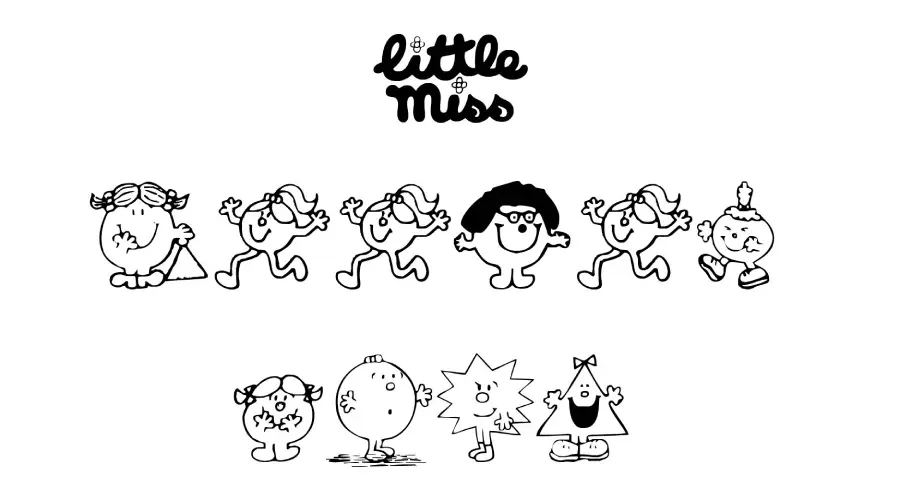
The regular version, Little Miss, keeps a clean and friendly shape. It works for logos, headlines and short lines of body text. Because the letters are simple, it reads well on a phone screen when you keep the caption short.
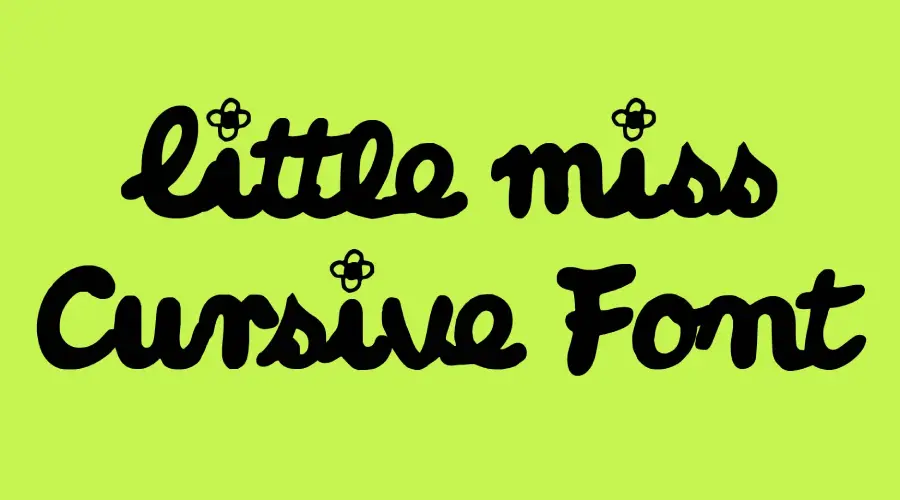
Little Miss Cursive takes a handwritten route. The joined letters give a caption a more personal, hand-drawn feel. It suits notes, cards and posts that should look casual rather than polished.
How to use Little Miss font
On Windows, download the font file, right-click it and choose Install. Restart your design app if the font does not appear in the list.
On a Mac, double-click the font file and select Install Font in Font Book. Install both the regular and cursive files if you plan to use both styles.
In Canva, check the font menu first. If the font is missing and your plan allows uploads, upload the font file. If not, type the caption in a desktop program, export a PNG and place that image in Canva.
For memes, check the text on a phone screen before you post. Light text on a busy photo can disappear, so add a plain background strip behind the caption if needed.
Little Miss Font Generator
Type your own caption and compare the two styles. The generator shows both files side by side, so you can see how the regular and cursive versions handle the same words.
-
Little Miss Download font Open in Studio
- Format
- TTF
- Licence
- See the font page for the licence terms
Little Miss -
Little Miss Cursive Download font Open in Studio
- Format
- TTF
- Licence
- See the font page for the licence terms
Little Miss
Fonts similar to Little Miss
You can find more fonts on Dafont Online, where you can browse and download fonts, and test them in the generator.
FAQ
What font is used for Little Miss memes?
Memes do not follow one font rule. The Little Miss font on this page is a close match, and Futura is a common reference point for the same clean look.
Is the Little Miss font the same as Futura?
No. The Little Miss font shares some traits with Futura, such as clean geometric shapes and even weight. It is a separate font.
Can I use the Little Miss font for commercial work?
Check the license for each file before commercial use. The regular and cursive versions may have different terms, so read the license that comes with each download.
Which Little Miss style should I try first?
Start with the regular version for captions that need a clean look. Choose Little Miss Cursive for notes or cards that should feel personal.