





On this page
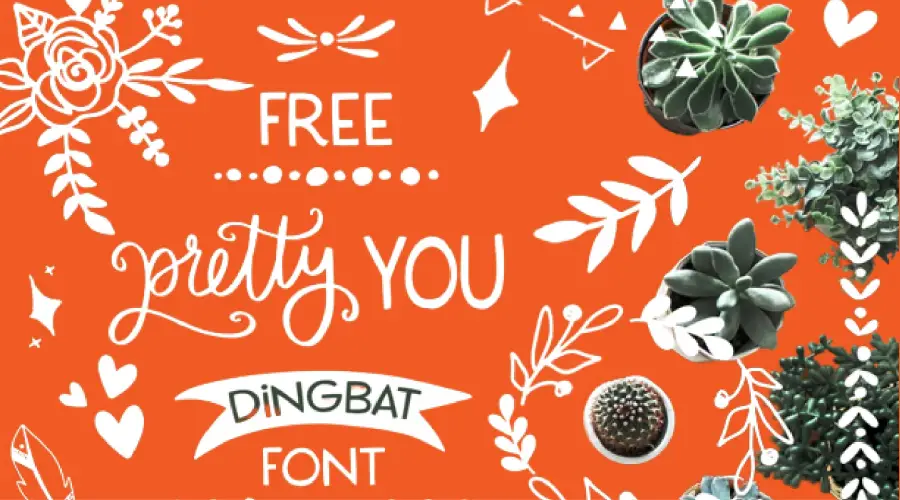
The Pretty You font is a dingbat typeface. That means its characters are symbols and shapes, not letters. Its set includes 36 symbols, so it suits invitations, labels, logos and other decorative work.
About the Pretty You font
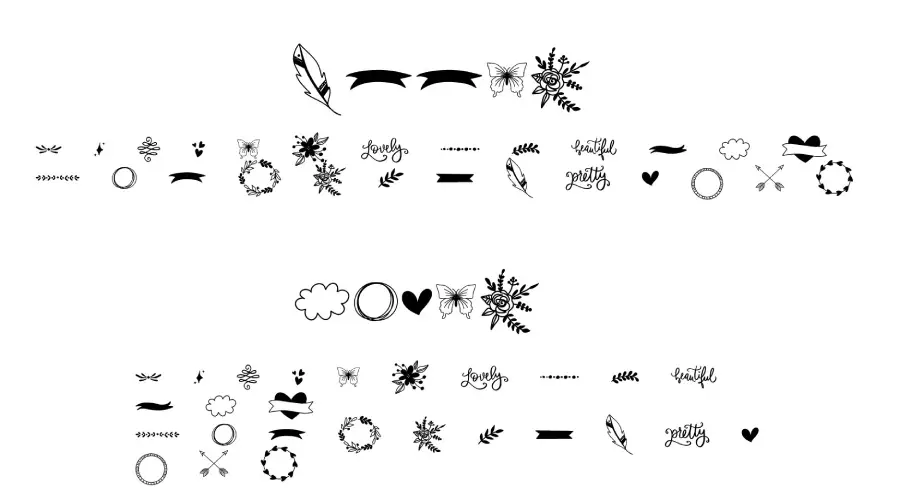
Pretty You is a dingbat typeface made by FPTFY. It is a modern take on the dingbat style, with 36 unique symbols you can place in a design. The set includes shapes such as hearts, flowers, stars, arrows, ribbons and banners.
Dingbat fonts use symbols or icons instead of letters and numbers. Designers use them for borders, frames, dividers, logos and patterns. Well-known examples include Wingdings, Zapf Dingbats and Webdings.
To place a symbol, you type a key that is linked to it. The keys usually do not match the letters you see on the keyboard, so open a character map first and find the shape you want.
Dingbats also work well next to a text font. Pick a plain sans serif for the words and use the symbols for the small decorative touches. This keeps the design easy to read while the shapes add interest.

How to use the Pretty You font
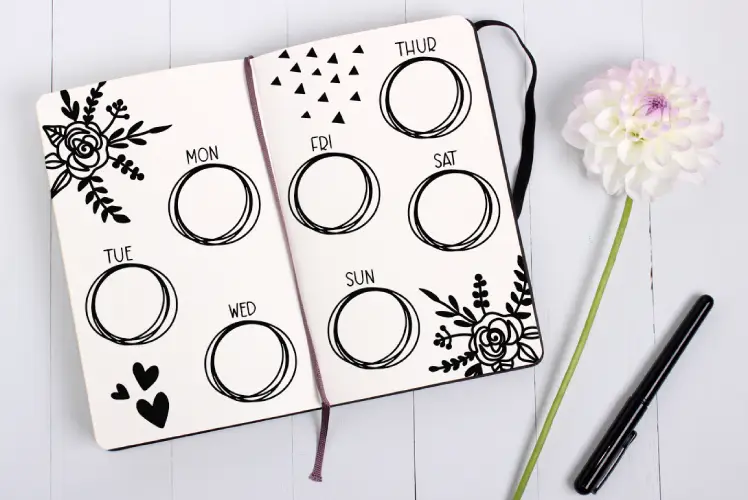
Pretty You works best as decoration. Keep the symbols small enough to read as accents, and let the words carry the message. These are a few ways to put it to use:
- Invitations, cards, labels and tags for weddings, birthdays and anniversaries. Use the symbols along the edges or in the corners.
- Logos, icons and badges for a brand, shop or website. A single symbol can stand in for a word.
- Patterns and backgrounds for a phone, computer or social media page. Repeat one symbol for a simple texture.
- Playful text. Swap one letter in a short word for a symbol, such as a heart in place of the O in a love note.
- Experiments with size and color. Mix symbols at different sizes to build your own shapes or frames.

On Windows, download the font file, right-click it and choose Install. Restart your design app if the font does not appear in the list.
On a Mac, double-click the font file and select Install Font in Font Book. Then open a program that lists your installed fonts and check the symbol view.
In Canva, check the font menu first. If the font is missing and your plan allows uploads, upload the file. If not, build the symbols in a desktop program, export a PNG and place that image in your design.
Pretty You Font Generator
Type text in the generator to preview the Pretty You font. It is a quick way to see how the symbols sit next to each other and how they look at the size you plan to use.
-
PrettyYou Dingbat Font Regular Download font Open in Studio
- Format
- TTF
- Licence
- See the font page for the licence terms
Pretty You Font
Fonts similar to Pretty You
If you like the Pretty You look and want more options, these posts may be worth a look.
FAQ
What is the Pretty You font?
It is a dingbat typeface made by FPTFY. Its set includes 36 symbols and shapes for decorative design.
Is Pretty You a letter font?
No. It is a symbol font, so the characters are shapes rather than letters and numbers. You can still mix it with a text font in the same design.
How do I type the symbols?
Open a character map and find the shape you want. Each symbol is linked to a key, so the key you press may not match the letter you expect.
Can I use Pretty You for commercial work?
Check the license before commercial use. Read the terms that come with your download, since symbol fonts can have their own rules.