





On this page
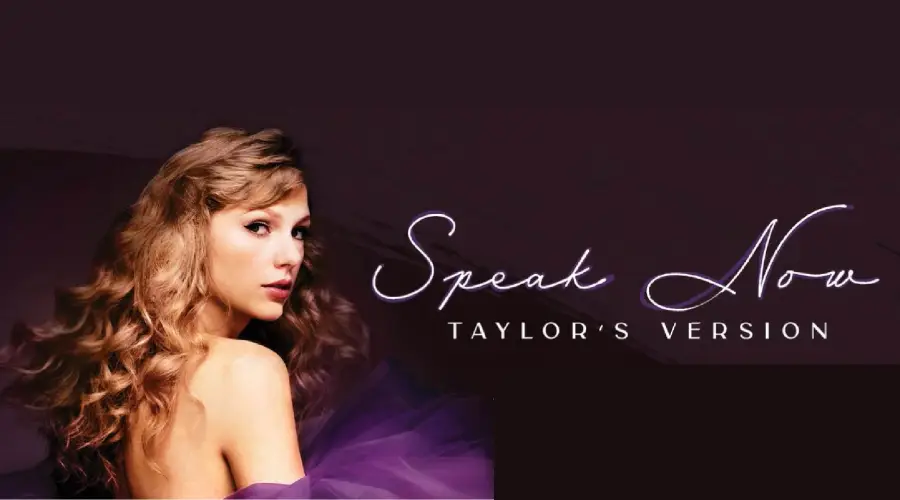
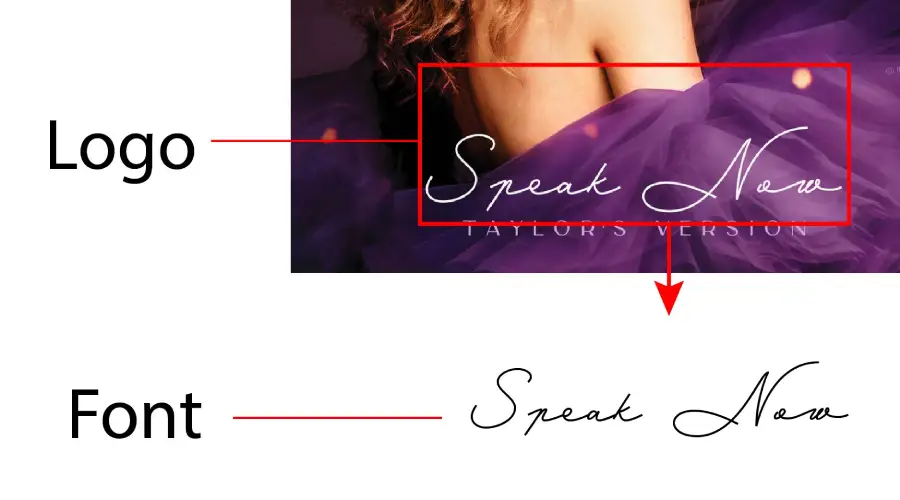
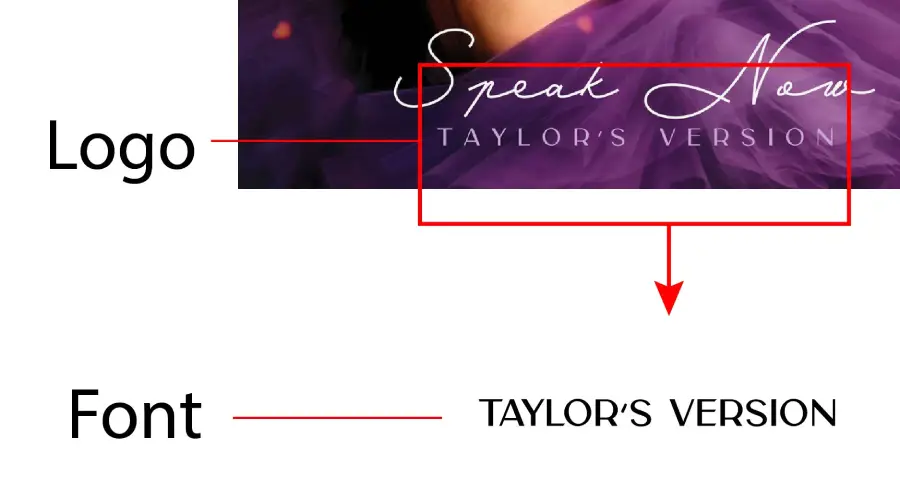
The Speak Now logo uses a handwritten style for its main lettering. Fans usually match it to Mina Medium, a calligraphic typeface. The words “Taylor’s Version” are closer to Carla Sans Semibold, a clean sans serif. Neither font is a confirmed match, so the two options below are the closest picks.
About the Speak Now font
Speak Now (Taylor’s Version) is the third album in Taylor Swift’s re-recorded series. It came out on July 7, 2023, through Republic Records. It re-records Swift’s third studio album, Speak Now, which first came out in 2010. It follows Fearless (Taylor’s Version) and Red (Taylor’s Version), both released in 2021.
The logo appears with the album art and in fan posts. Its loose, handwritten lettering stands out next to the plain type in “Taylor’s Version.” That contrast is the main thing people try to copy.
The main lettering is closest to Mina Medium, a calligraphic style with soft, uneven strokes. The comparison image below shows how the two line up.

“Taylor’s Version” uses Carla Sans Semibold, a modern sans serif with a clean, even shape. It works well for the smaller words that sit under a bold script line.
Fans often spot the same handwritten style across album art, edits and fan posts. If you want that look, start with the main lettering and pick a plain sans for the smaller words. That pairing is a practical way to copy the feel without relying on one exact file.
Speak Now Font Generator
Type your own words and compare Mina Medium and Carla Sans Semibold side by side. Change the size, color and background until the preview fits your project. You can save a preview image from the tool. Font files are a separate download, so read the license first.
-
Mina Medium Download font Open in Studio
- Format
- OTF
- Licence
- See the font page for the licence terms
Speak Now Taylor -
Carla Sans Semibold Download font Open in Studio
- Format
- OTF
- Licence
- See the font page for the licence terms
Speak Now Taylor
How to use Speak Now font
On Windows, download the font file, right-click it and choose Install. On a Mac, double-click the file and select Install Font in Font Book. Restart your design app if the font does not show up in its menu.
In Canva, check the font menu first. If the font is not there and your plan allows uploads, upload the file. If not, type the text in your design program, save it as a PNG and place that image in Canva. The lettering will look the same.
Speak Now works well for fan edits, playlist covers, birthday cards and thumbnails. Keep the text short. Handwritten styles get hard to read in long lines.
Before you install either font, read its license. The license decides whether you can use the font on merch, covers or other paid work.
Fonts similar to Speak Now
FAQ
What font does Speak Now use?
The main logo lettering is handwritten. Fans usually match it to Mina Medium. “Taylor’s Version” is closer to Carla Sans Semibold. No public source confirms an exact match, so treat both as close options.
Is there a Speak Now font download?
The page links to a MyFonts listing for Mina Medium, and that seller sets its own license terms. Check the license for each font before commercial use, including Carla Sans Semibold.
Can I make Speak Now text without installing a font?
Yes. Use the Speak Now font generator above to type your text and save a preview image.