





On this page
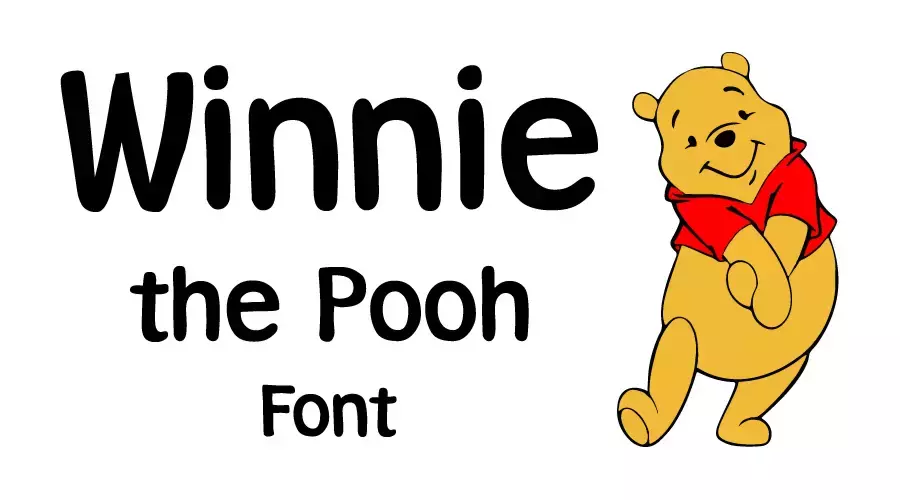
The Winnie the Pooh font on this page is called Pooh. It is a cartoon-style font that looks like the Winnie the Pooh logo, but it is not the official Disney lettering. Check the license before you use it in a project.
About the Pooh font
The Winnie the Pooh logo uses custom lettering that belongs to Disney. Pooh is a separate font that takes its inspiration from that logo. The file details list International Typeface Corporation as the designer and copyright holder.
Pooh suits projects about the character, such as invitations, posters, party decorations and merchandise. Its playful shapes fit best with bright colors and simple layouts.
Winnie the Pooh was created by A. A. Milne and illustrated by E. H. Shepard in the 1920s. The bear was based on a real bear named Winnie, which a Canadian soldier brought to England during World War I. Milne’s son, Christopher Robin, had a toy bear with the same name.
Disney acquired the rights to the character in the 1960s and made the animated films that most people know today.
Winnie the Pooh font view

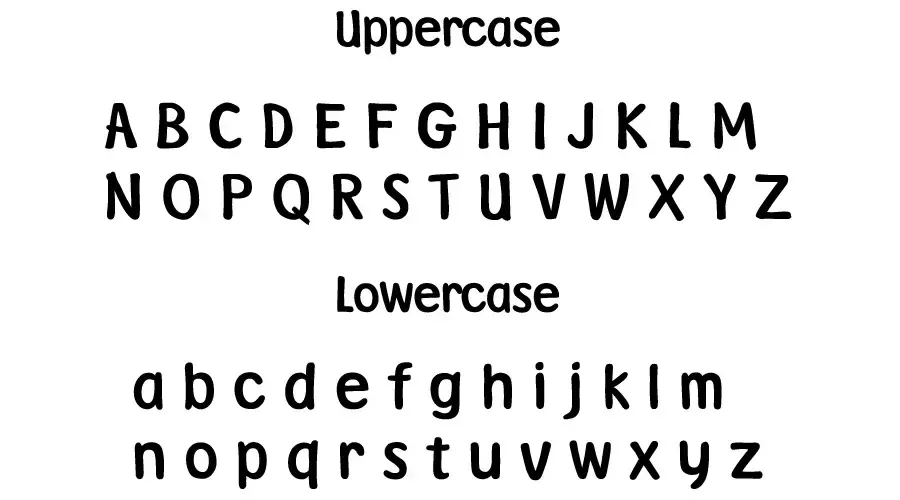
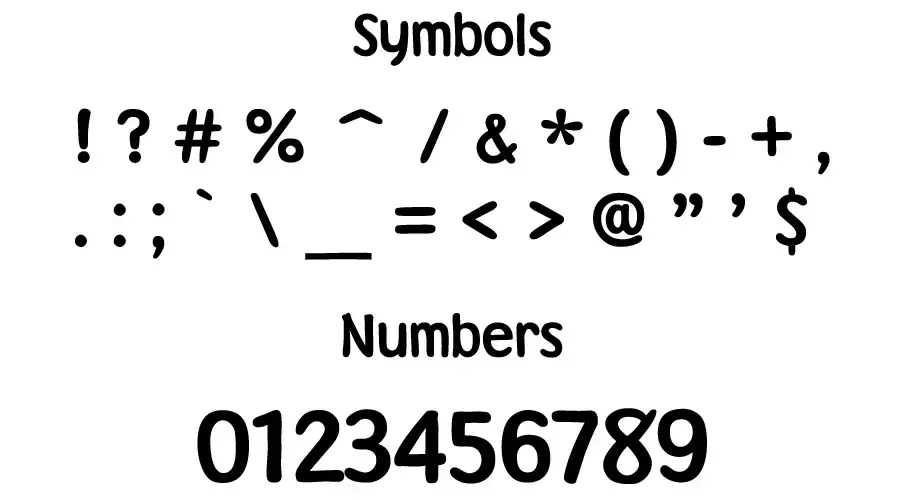
Winnie the Pooh font generator
Type your text in the generator below to see how Pooh looks. You can change the size, color and background before you decide whether to download the font.
-
- Format
- TTF
- Licence
- See the font page for the licence terms
Winnie the Pooh Font Free Download
Winnie the Pooh font information
| Full Font Name | Pooh |
| Version | Ver.1.0 |
| Created & Modified Date | November 20, 1996 |
| Copyright | Copyright 1990‐1996 International Typeface Corporation. Confidential. |
| Designer | International Typeface Corporation |
| Unique Font Identifier | Macromedia Fontographer 4.1 Pooh |
| Glyphs | 232 |
| Characters | 233 |
| Classification | Cartoon font |
| Type | TrueType |
How to use the Pooh font
On Windows, download the font file, right-click it and choose Install. On a Mac, double-click the file and select Install Font in Font Book. Restart your design app if Pooh does not appear in its menu.
In Canva, check the font list first. If Pooh is not there and your plan allows uploads, upload the file. Otherwise, type the words in a desktop app, save them as a PNG and place that image in Canva.
Pooh works best for short titles, invitations, banners and party signs. Keep body text in a plainer font, because a cartoon style is tiring to read in long paragraphs.
License information
The file details name International Typeface Corporation as the copyright holder. Check the license before you use the font on products, for clients or in other commercial work. Do not assume it is free for commercial use.
Fonts similar to the Pooh font
If you want other playful, cartoon-style fonts, these posts are worth a look:
Each of these has its own license, so check it before you use the font in a commercial project.
FAQ
Is the Pooh font the official Winnie the Pooh font?
No. The logo lettering belongs to Disney. Pooh is a separate font inspired by that style, and the file details name International Typeface Corporation as the designer.
Where can I download the Pooh font?
Start with the download button on this page. Read the license before you use the font in a paid or commercial project.
Can I type my own text in the Pooh font online?
Yes. Use the generator on this page to type your words and see them in the font. You only need to install the font if you want it in a design app.