





On this page
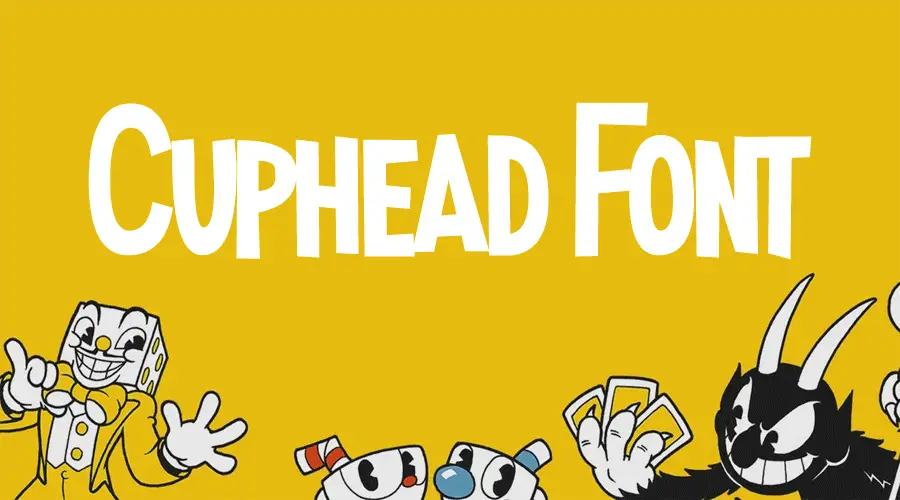
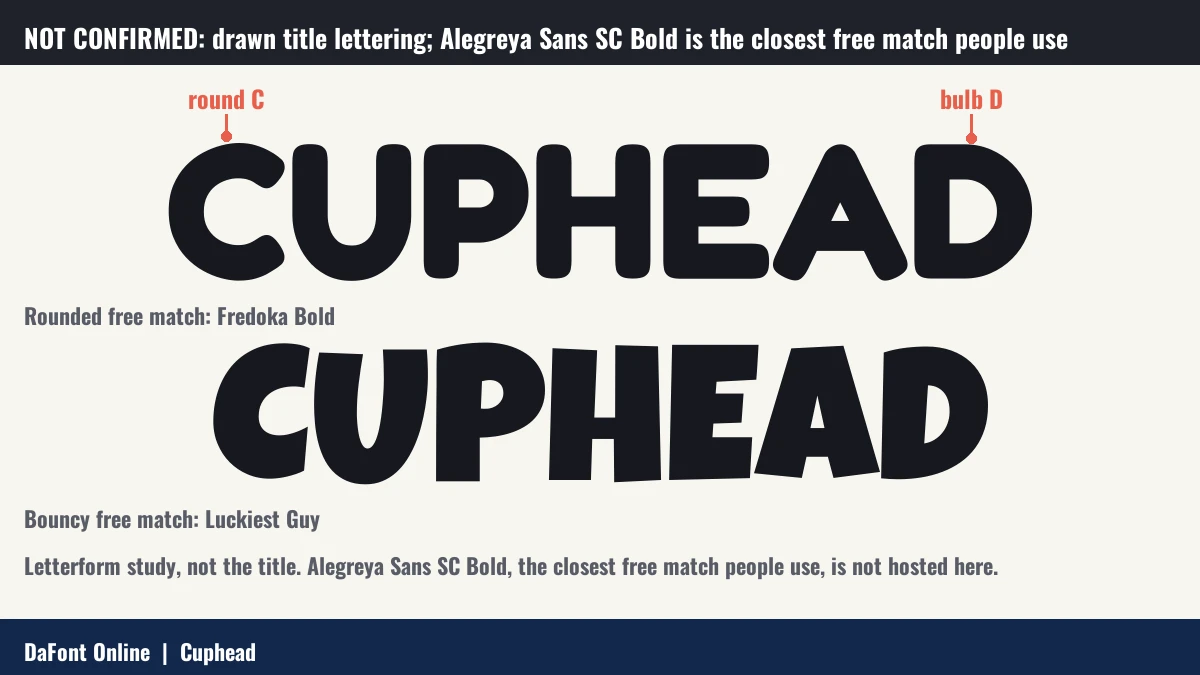
Quick answer: Community and fan sources describe the Cuphead title as drawn lettering, not a font, so it is not confirmed to be typeset. The closest free match people use is Alegreya Sans SC Bold. Free matches on this page: Fredoka and Luckiest Guy.

About the Cuphead font
Cuphead is a 2017 run-and-gun game by Studio MDHR. It was released for Windows and Xbox One on 29 September 2017 (Wikipedia).
A Steam community thread says the title screen word is a drawn logo, not a font (Steam). Font sites say the closest free match is Alegreya Sans SC Bold (Fontmeme).
History of the Cuphead lettering
- 29 September 2017: Cuphead is released for Windows and Xbox One (Wikipedia).
- 19 October 2018: the game is released for macOS (Wikipedia).
Where the Cuphead font is used
- The game’s title screen (a Steam community thread).
- Fan posters and merchandise in the game’s 1930s cartoon style, with free matches (fan use).
Fonts similar to Cuphead
Alegreya Sans SC Bold is the closest free match people use. It has a preview and a download in the tester below. These fonts also have a bold or retro feel close to the Cuphead look.
- Alegreya Sans SC Bold: the closest free match people use for the Cuphead title, in the tester below.
- Bangers Font: a comic-book style display face with bold, condensed letters.
- Oswald Font: a condensed sans serif that works for headlines and body text.
- Fredoka One Font: a rounded, friendly display face.
- Bebas Neue Font: a bold, all-caps face for titles.
Try the Cuphead look-alike fonts
-
Madness Hyperactive Download font Open in Studio
- Format
- OTF
- Licence
- See the font page for the licence terms
Cuphead Font Download -
AlegreyaSansSC Bold Download font Open in Studio
- Format
- TTF
- Licence
- See the font page for the licence terms
Cuphead Font Download
How to use Cuphead font
On Windows, download the font file, right-click it and choose Install. On a Mac, double-click the file and select Install Font in Font Book. Restart your design app if the font does not appear in its menu.
In Canva, open the font menu and search for the font name. If it is not there and your plan allows uploads, upload the file. If not, type the title in another program, save it as a PNG and place that image in your design. The letter shapes stay the same.
For thumbnails, fan art and quick edits, the generator above is often faster than installing both fonts. For longer text or a poster, install the font and work in your design app. Read each license before you use the font on merch or in paid work.
FAQ
What font is Cuphead?
Community sources describe the title as drawn lettering. The closest free match people use is Alegreya Sans SC Bold.
Is Alegreya Sans SC free?
Alegreya Sans SC is a Google Font. Check its licence on its Google Fonts page.
Is the Cuphead logo a font?
Community sources say it is drawn art, not a typeface. We did not find a primary source that says otherwise.