





On this page
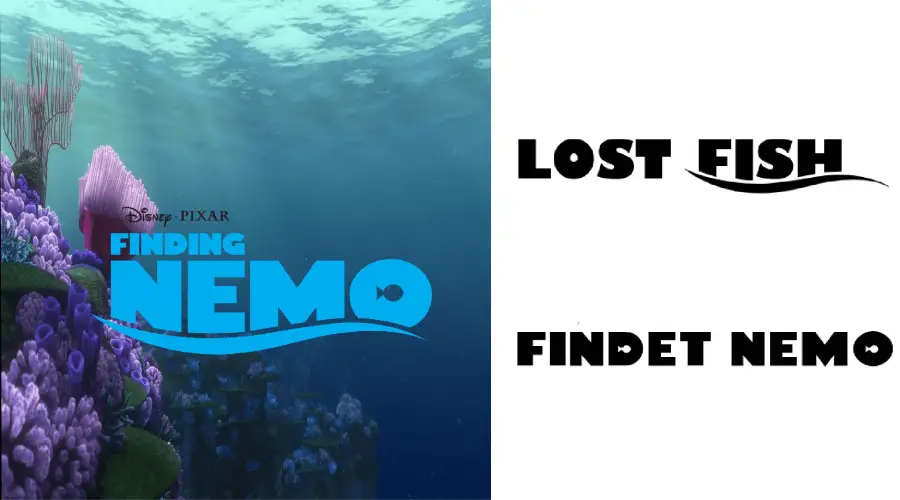
The Finding Nemo logo is custom lettering made for the 2003 Pixar film, so no public font matches it exactly. The two closest picks on this page are Findet Nemo and Lost Fish. Both were made to echo the logo, which makes them useful for ocean-themed designs.
About the Finding Nemo font
Finding Nemo is an animated film from Pixar that Disney released in 2003. Marlin, a clownfish, crosses the ocean to find his son Nemo, who was taken by a diver off the Great Barrier Reef. On the way he meets Dory, a blue tang with short-term memory loss. Critics and audiences praised the film widely, and a sequel, Finding Dory, came out later.
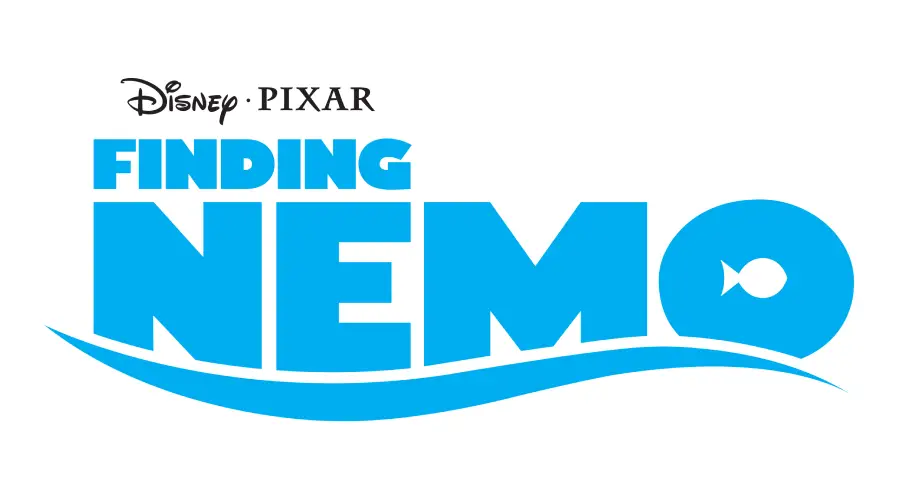
The title lettering is the part fans look for. It shows up in movie artwork, on merchandise and in fan edits. The logo is copyrighted by Disney, so do not use the logo itself on products or ads you sell.

Finding Nemo Fonts
These two fonts are the closest matches to the logo. Each one has a sample image below and works in the generator further down the page.
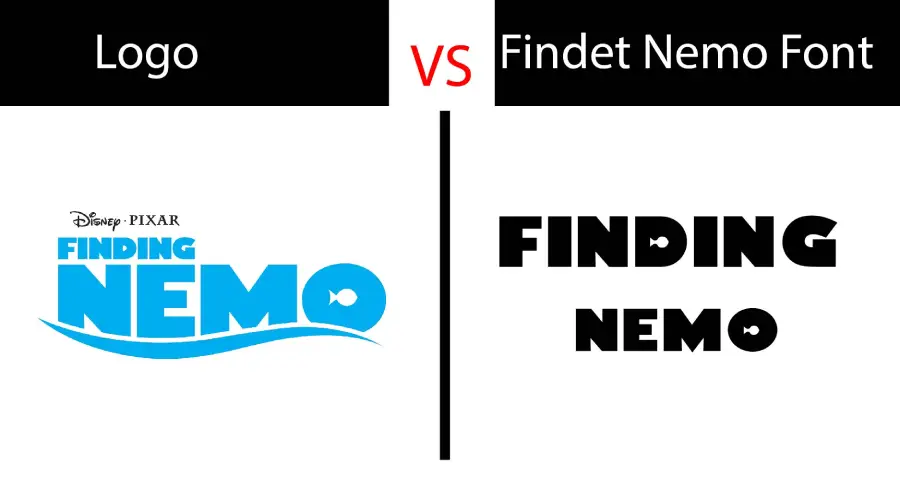
Findet Nemo is inspired by the film logo. Fimfonts designed and published it. It has only uppercase letters and symbols shaped like fish, so it fits short titles, party signs and kids’ designs.
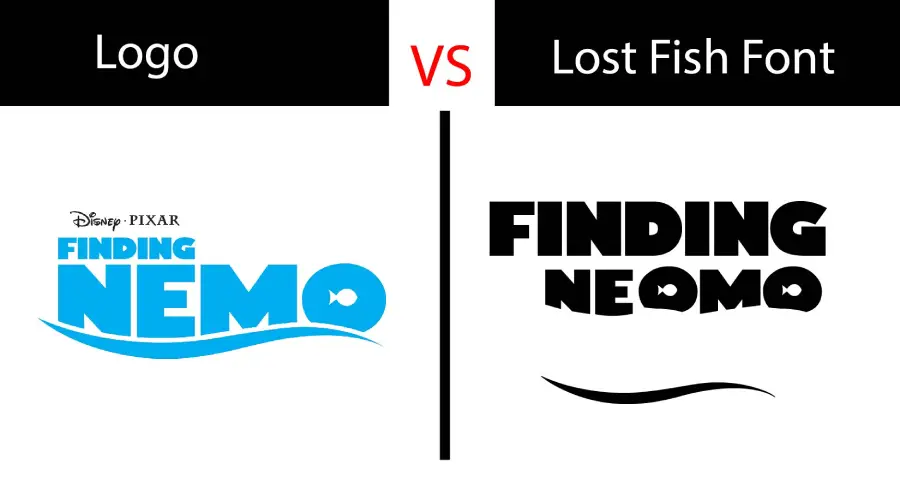
Lost Fish is another fan-made font that tries to copy the logo closely. Nube Fonts designed and published it. It has uppercase letters but no symbols. Lost Fish is a free font, but free to get does not always mean free for commercial work, so check its license before you use it in a paid project.
Finding Nemo Font Generator
Type your own words to compare Findet Nemo and Lost Fish side by side. Change the text size, the color and the background until the preview fits your project. You can download the preview image, and the font files too when you want them.
-
Findet Nemo Download font Open in Studio
- Format
- TTF
- Licence
- See the font page for the licence terms
FINDING nemo Font -
Lost Fish Download font Open in Studio
- Format
- TTF
- Licence
- See the font page for the licence terms
FINDING nemo Font
How to use Finding Nemo font
On Windows, download the .ttf file, right-click it and choose Install. On a Mac, double-click the file and select Install Font in Font Book. Restart your design app if the font does not show up in its menu.
In Canva, check the font menu first. If the font is missing and your plan allows font uploads, upload the file. If not, type the words in a desktop app, save a PNG with a transparent background and place that image in Canva.
For ocean-themed birthday signs, invitations or a kids’ class poster, Findet Nemo and Lost Fish both work well. Keep the text short. Use the generator above to test a few words before you pick a size.
Fonts similar to Finding Nemo
If you want a different Disney-style look, these font pages on this site may help:
FAQ
Is there a real Finding Nemo font?
No public font is the official Finding Nemo font. The logo is custom lettering, so Findet Nemo and Lost Fish are the closest matches on this page.
Can I use Findet Nemo or Lost Fish for a paid project?
Check the license of each font before commercial use. The two fonts come from different designers, so their terms can differ. The Finding Nemo logo itself should not be used on products you sell.
Can I try Finding Nemo text without installing a font?
Yes. Use the Finding Nemo font generator above to type your words and save a preview image.