

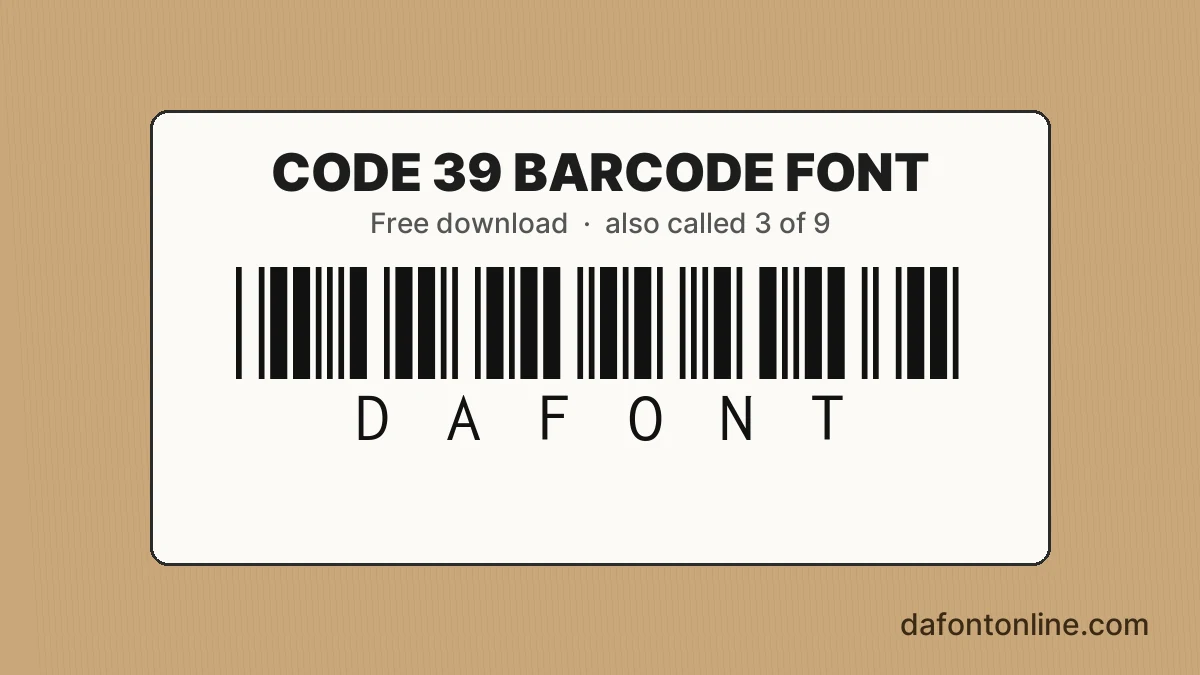
Quick answer: Libre Barcode 39 is a free Code 39 barcode font by the Libre Barcode Project, under the SIL Open Font License. Wrap your text in asterisks, like *DAFONT*, and type it in capitals.
On this page
A barcode font turns plain letters into bars, so you can print a scannable code from any word processor. Code 39 is one of the oldest and most common versions, and it has one rule that trips people up: the asterisks. This page gives you the free fonts and that rule, plus a sample you can check yourself.
The rule that makes Code 39 read
Put an asterisk at the start and at the end of the code: *ABC123*. The asterisk is the start and stop mark. It wraps the text and is not part of the data, so it does not count as a character in the code.
The basic set holds only capital letters A to Z, the digits 0 to 9, the space, and the symbols – . $ / + %. Type your data in capitals and keep to those symbols. Anything else will not encode the way you expect.
Two free versions, and which to pick
| Need | Font | Why |
|---|---|---|
| Bars only | Libre Barcode 39 | When the number is already printed next to the code. |
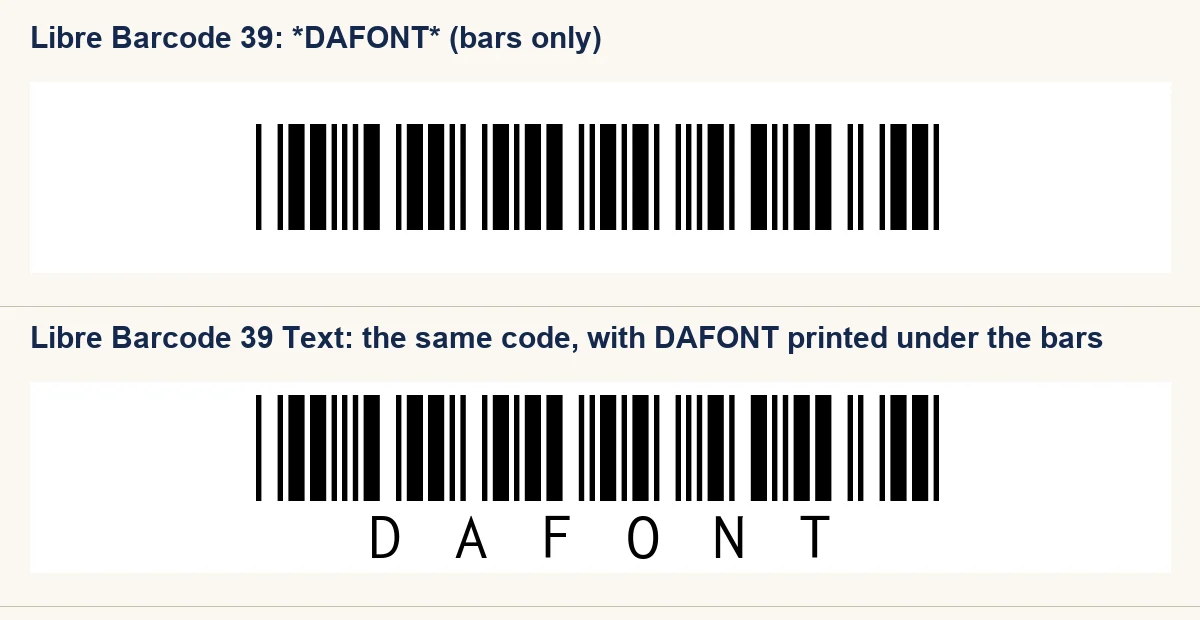
| Bars with the text under them | Libre Barcode 39 Text | When people need to read the code without a scanner. |
| Older free “3 of 9” look | Not hosted | See the note below. |
The Text version prints the letters under the bars, and it leaves the asterisks out of that line. The first font draws the asterisks as bars, which is what a scanner reads.
Free barcode fonts to download
Both cards below use the SIL Open Font License, which lets you use them in paid work. Keep the OFL text with any copy of the font file you pass on.
-
Libre Barcode 39 Download font Open in Studio
- Format
- TTF
- Licence
- Free for commercial use
- Made by
- Lasse Fister
- Source
- fonts.google.com
*DAFONT* -
Libre Barcode 39 Text Download font Open in Studio
- Format
- TTF
- Licence
- Free for commercial use
- Made by
- Lasse Fister
- Source
- fonts.google.com
*DAFONT*
Test any printed code with a scanner app before you put it on a product or a ticket. We have not machine-scanned these samples.
About the older “3 of 9” font
Many sites list a Free 3 of 9 font by Matthew Welch, which is a Code 39 font under an older name. The copies we checked do not agree on its terms. One says all rights reserved, and another says private use with commercial derivatives. Without the author’s own licence text, we do not host it. Libre Barcode 39 gives you the same Code 39 bars under a clear licence.
Code 39 questions
Do I need the asterisks in a Code 39 barcode?
Yes. Code 39 usually uses the asterisk as its start and stop character, so the code needs one at each end. Type *ABC123* in the font, not ABC123.
Can I type lowercase letters in Code 39?
Use capitals. The standard Code 39 set has only uppercase letters, the digits, a space, and the symbols – . $ / + %. In Libre Barcode 39, a lowercase key draws the same bars as its capital, so type capitals to be sure of the result.
Is Free 3 of 9 the same as Code 39?
It is a Code 39 barcode font under an older name, so it encodes the same way. The licence is the difference, and that is why we link to our free Libre Barcode 39 instead.
For a barcode-style label, the Impact label font page covers a sturdy label look. If you are setting a form or a printed slip, the free typewriter fonts list has printer-style options to pair with the code.