

On this page
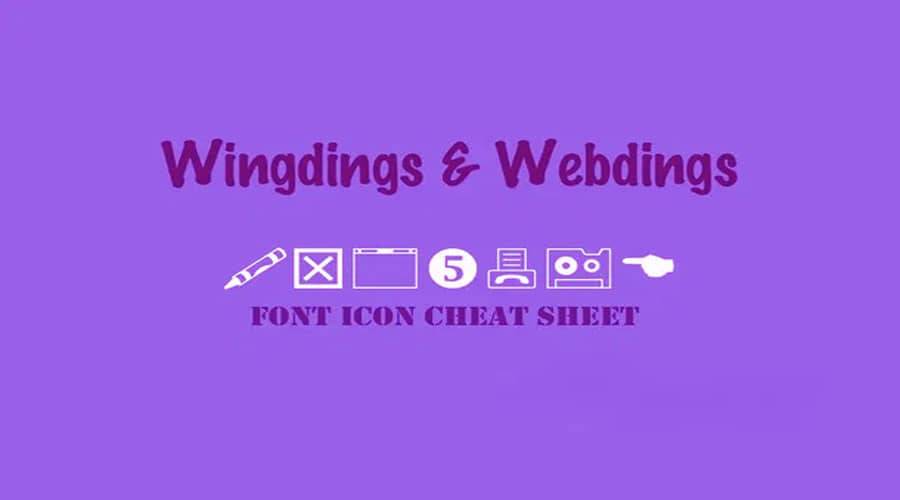
Webdings is a TrueType dingbat typeface from 1997. Its letters are small pictures, such as weather signs, buildings, vehicles and computer icons. Windows has included it since Windows 98, so it may already be on your computer.
About the Webdings font
Microsoft first shipped Webdings with Internet Explorer 4.0. Vincent Connare designed the typeface, which was made to hold symbols rather than letters.
The symbols fall into loose groups. One group covers weather. Another shows buildings and land. Others show vehicles and technology icons. A few pictures stand in for characters that do not appear on an English keyboard.
Each key produces a picture, so typed letters look like symbols, not words. The character map is the easiest way to find the one you want.
Webdings Font View

Font info Table
| Name | Webdings Font |
| Style | Dingbat typeface |
| Designer | Microsoft |
| File Format | OTF,TTF |
| Font Licence | Free for Personal Use. |
| Type | Freeware Version. |
License Information
Webdings is listed as free for personal use. Webdings is a Microsoft font, so do not assume it is free for commercial use. Check the license before you use it in paid or commercial work.
How to use Webdings font
On Windows, Webdings is often already installed. Open Character Map from the Start menu, pick Webdings from the font list and click a symbol to copy it into your document.
If the font is missing, unzip the download, right-click the .ttf file and choose Install. Restart your app if Webdings does not appear in its font list.
On a Mac, unzip the file and double-click the .ttf file. Select Install Font in Font Book, then reopen your design app.
In Canva, upload the font file if your plan allows uploads. If not, type the symbols in a desktop app, save them as a PNG and place that image in your design. Symbols work best as small icons, not as long text.
Fonts similar to Webdings
If you want other symbol or picture-based alphabets, these pages may help:
FAQ
What is the Webdings font?
Webdings is a dingbat typeface from 1997. Its characters are pictures, such as weather signs, buildings and icons, rather than letters.
Is Webdings font free to use?
It is listed for personal use. Because it is a Microsoft font, check the license before you use it in commercial work.
How do I find a symbol in Webdings?
Open Character Map on Windows, select Webdings and double-click the symbol you want. Copy it and paste it into your document.