

On this page
The Apricots font is a handwritten script typeface released on July 10, 2019, by KA Designs. It has a modern calligraphy feel. The creator offers it as a desktop font family and as a webfont. It is free for personal use, and the download page lists a $7 price for commercial use. Check the license before you use it in a paid project.

About the Apricots font
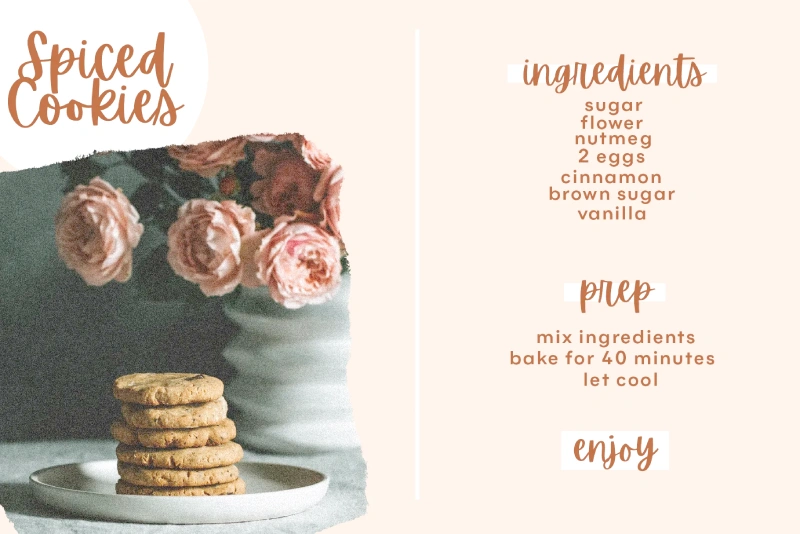
Apricots is a script font. Its letters look hand-drawn, with a calligraphy style that feels more relaxed than a formal serif. That makes it a fit for projects that need a personal touch.
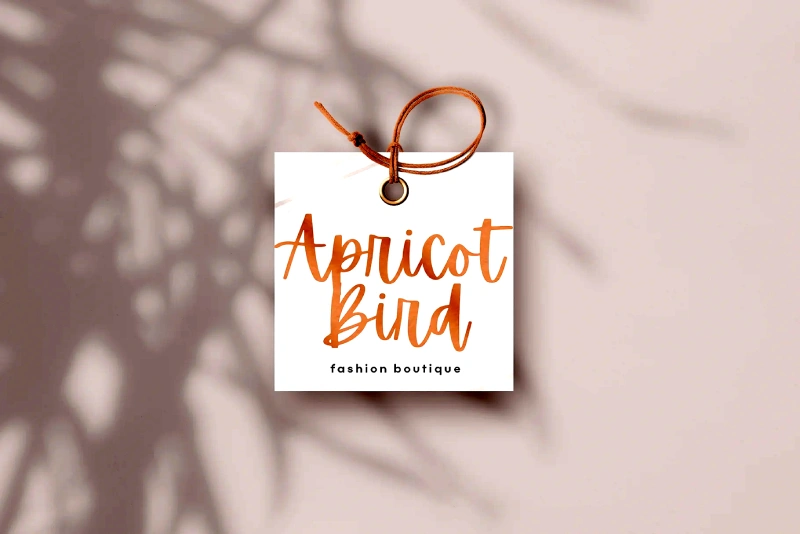
Common uses include headings, blog graphics, logos, branding, and invitations. Wedding invitations and cards are a natural match for a friendly handwritten look. Fashion-themed designs can also suit the style when the text stays short.
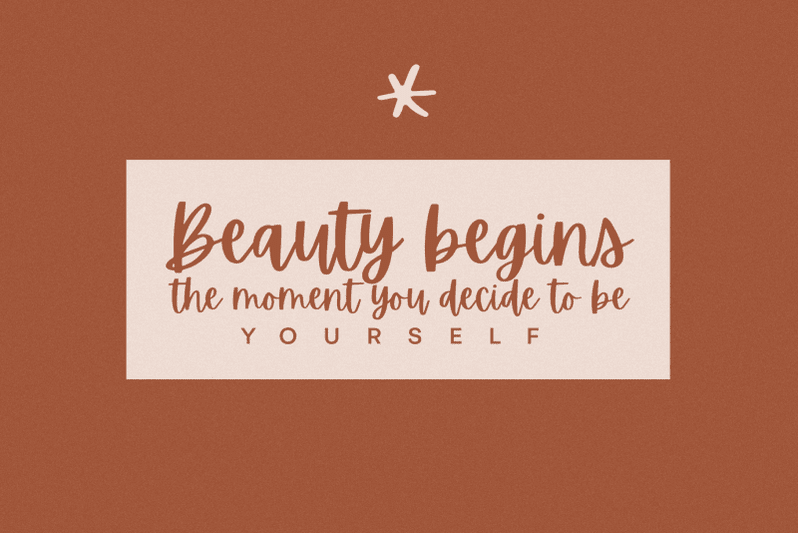
Feedback calls the font sweet, friendly, and gorgeous. Those are opinions, not test results. Type your own words before you commit to the font in a layout.
Is Apricots available in Canva?
Apricots appears in Canva’s font list. Open the text tool, click the font menu, and search for “Apricots”. If it shows up, select it and type your text.
If you cannot find it, you can upload the font file yourself. With Canva Pro, go to Brand Kit and choose Upload a font. Only do this if the license allows it for your project.
For paid or business work, check the commercial price on the download page before you upload anything.
Apricots Font Generator
Type your own text below to see how Apricots looks before you download it. Script fonts can change a lot from one word to the next, so try a short headline and a longer line. Look at how the letters connect at the size you plan to use.
-
Apricot Regular Download font Open in Studio
- Format
- TTF
- Licence
- See the font page for the licence terms
Apricots
Apricots Font View
The download button links to a third-party store. Confirm the free personal use terms and the $7 commercial price on the store page before you buy or use the font in paid work.
How to use the Apricots font
- Choose short lines for headings, invitations, or titles. Script fonts are easiest to read at large sizes.
- Test the font at the size you plan to print or post. Thin strokes can disappear when the text is small.
- Add a little extra space around the line. Script letters often look crowded when they are set tightly.
To use the font on a computer, install the file first. On Windows, right-click the file and choose Install. On a Mac, open the file and select Install Font in Font Book. Restart your design app so the font shows up in the list.
Fonts similar to Apricots
If you want other script looks, these pages on our site are a good place to start:
Each page has its own preview, so compare the options with your own text before you pick one.
FAQ
Is the Apricots font free?
The font is free for personal use. For commercial use, the download page lists a $7 price. Check the license on that page before you use the font in a business or paid project.
Does Apricots come as a webfont?
Yes. The font is available as a webfont and as a desktop font family package.
Can I use Apricots for wedding invitations?
Invitations are one of the listed uses, so the style fits that project. If you plan to sell printed invitations, check the commercial license first.
Is Apricots available in Canva?
Yes. Search for Apricots in the font menu of Canva’s text tool. If you cannot find it, you can upload the font file with Canva Pro through Brand Kit, but only if the license allows it.
Thanks for the font. Please update it.
Thanks for your reply. We will update it soon.